
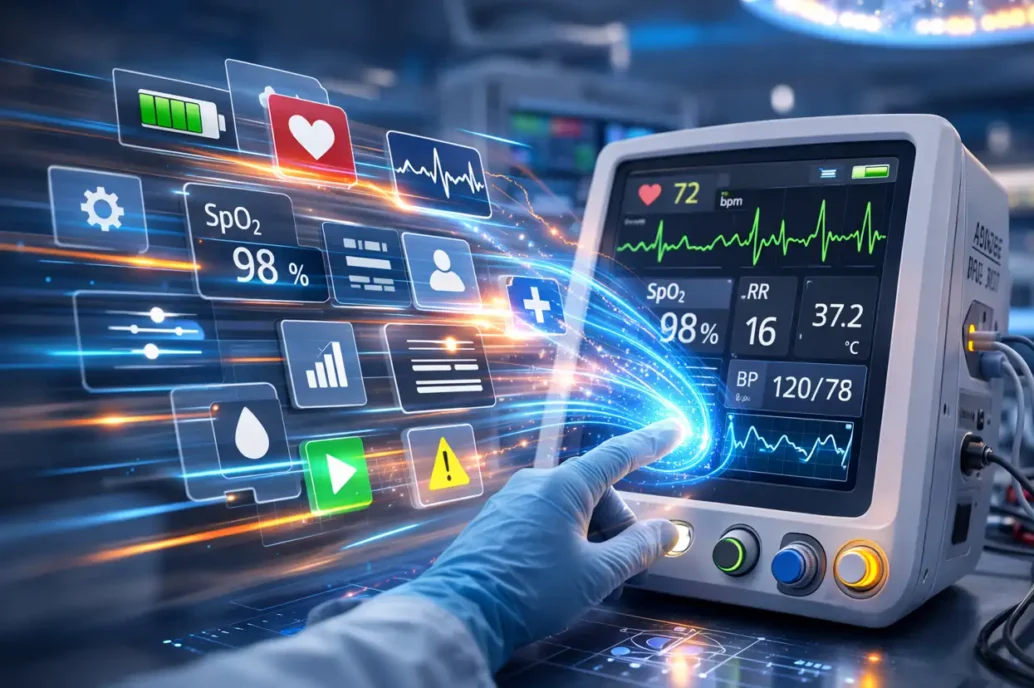
Efficiency in Medical Device GUI Development: How to Move Faster Without Cutting Corners
TL;DR
- Medical device GUIs must meet safety, usability, human factors, and embedded performance requirements that generic software tools were not designed for.
- Framework selection directly affects portability, reuse, maintainability, and how much development time goes toward differentiated features versus rebuilding common structures.
- Avalonia UI supports cross-platform .NET development across embedded Linux, Windows, iOS, and Android, reducing the need to maintain separate UI stacks.
- StarFish has built a reusable application foundation that can be adapted to each client’s branding, workflow, and device-specific design.
- The result is accelerated early development, more predictable delivery, and more schedule time focused on the interactions and features that matter to real users.
Medical device teams developing embedded and cross-platform GUIs can accelerate delivery without compromising usability or validation by choosing the right framework early and designing for performance, portability, and maintainability.
Medical device GUI development is no longer limited to a few screens on a standalone product. Today’s devices increasingly sit within a broader software ecosystem that can include embedded interfaces, patient-facing mobile companion apps, clinician tools, service software, and connected wearable IoT devices. At the same time, medical devices are held to a much higher standard than conventional software: usability, safety, responsiveness, clarity, and reliability all matter. Consumer products can often tolerate ambiguity or occasional user error in ways medical devices simply cannot.
This creates a practical challenge for development teams: how do you move fast without creating more risk later? The answer is not to cut process. It is to make the right technical, architectural, and framework decisions early, so development effort can focus on what makes a product exceptional rather than rebuilding common core structures. Acceleration only matters when it preserves the rigor needed for safe, effective devices.
What Makes Medical Device GUI Development So Challenging, and So Difficult to Accelerate?
Medical device GUI development is not just a visual design exercise. It includes workflow design, interaction design, data presentation, alarm handling, state management, unique touch behavior requirements, and the overall clarity of the user experience. In medical products, these decisions directly affect ease of use, how quickly users can understand information, and the likelihood of preventable errors or inadvertent interactions, where the consequences of confusion, delay, or misinterpretation are much higher.
This is especially true when users are operating under pressure. Clinicians may be working in noisy, cluttered environments, managing multiple devices at once, and making time-sensitive decisions. In those settings, the interface must do more than look polished. It must communicate clearly, guide attention without over-directing, and help users act with precision. Consumer UX often prioritizes automation and simplification. Medical devices often need clearly communicated safety boundaries, manual procedures, and emergency-stop concepts because clinicians must retain control when something goes wrong.
Medical-device-specific interaction factors also go well beyond what many general software teams consider. Button size and spacing may need to account for gloved use. Increasing touch sensitivity may help recognition but also increase accidental activation. Readability may depend on viewing distance, changing ambient lighting, and the need to recognize affordances instantly. In some use cases, one-handed operation matters because the other hand may be occupied with the patient. These are not aesthetic details. They are usability and human-factors decisions that shape whether a device feels trustworthy and efficient in real use.
Alarming is another area where medical GUI design becomes more specialized than ordinary software. Alarm presentation needs to be clear, actionable, and differentiated enough to avoid confusion and alarm fatigue. Attention often must be gained through more than one mechanism: not just on-screen information, but also auditory cues, vibration, and visual alarms.
The challenge becomes even greater on embedded platforms. Performance budgets, startup time, memory use, display technology, graphics capability, and touch behavior all influence what the interface can realistically do. Embedded medical software also commonly runs on Linux-based systems, sometimes in customized environments such as Yocto, which adds another layer of engineering complexity. Earlier UX and GUI design work helps de-risk projects, refine concepts, and prevent downstream technical constraints from hardening the wrong decisions into the product. This is exactly why UX cannot be treated as late-stage polish.
When every project starts from zero, teams spend time recreating information architecture, navigation models, common screens, storage patterns, and core interaction structures. Medical device GUI development is difficult to accelerate because it sits at the intersection of usability, safety, human factors, embedded constraints, and validation expectations.
Why Framework Strategy Matters, and Where Avalonia Fits
For embedded medical devices, the framework decision needs to support both the device itself and the surrounding product ecosystem. Even when the device interface itself is simple, the overall product experience now increasingly extends beyond the device to companion applications, clinician tools, and supporting software. Patients benefit from easier-to-use companion apps. Clinicians benefit from fast, clear access to clinical data. Development teams benefit when these needs do not have to be implemented using diverse UI technologies.
This wider ecosystem makes framework choice critical. The right solution is not simply the one that renders screens. It is the one that supports performance, portability, maintainability, and efficient development across the wide variety of platforms. Within those requirements, Avalonia UI aligns well with StarFish’s strategy. Avalonia is an open-source, cross-platform .NET UI framework supporting Windows, Linux (Desktop and Embedded), iOS, Android, and others. It uses its own rendering engine for consistent appearance and behavior across platforms, and its architecture is designed to maximize shared UI, code, tests, and business logic.
This means using a wider ecosystem-focused framework with a reusable application foundation, designed to adapt quickly to the needs of each new device. The goal is to remove repeated effort from capabilities that recur across projects and often drive, or are driven by, the UI: interaction patterns, navigation, settings, audit logging, storage systems, and shared business logic. It also eliminates the need to recreate commonly used visual elements and enables the interface to be tailored without rebuilding the core structure. This facilitates the acceleration of early development, so the focus can move toward the distinctive visuals, unique interactions, differentiated capabilities, and device-specific experiences that make the product shine.
StarFish has built this reusable application foundation so it can be adapted to each client’s branding, theming, visual identity, workflow, data presentation, and product-specific interactive design with minimal rework. This is where a framework strategy becomes more than a tooling decision; it becomes a product-development advantage. Teams spend less time reconstructing core structure and more time shaping the specialized elements that make the product effective, differentiated, and ideally suited for its intended use.
Turning the Right Foundation into Better Products, Again and Again
When the right technical, architectural, and framework strategy is established in advance, the benefits extend far beyond a single screen or device. These decisions create a reusable application foundation that can deliver purpose-built user experiences, support companion applications, run on embedded systems, and extend across the broader software ecosystem around the device. Rather than rebuilding the same underlying structure, StarFish starts from an established foundation and concentrates effort on the features, workflows, and user experiences that help each product reach its full potential.
This is where efficiency becomes valuable to clients. A reusable foundation creates a shorter path to a usable first implementation, which means more of the schedule can be spent on what matters most to users: safety, intuitive interactions, clearer workflows, and stronger data presentation. A shared application architecture does not force a one-size-fits-all experience. It creates room to customize branding, theming, workflow configuration, and product-specific GUI design while avoiding repeated work on the underlying structure. As connected-device ecosystems expand, this kind of architectural reuse makes it easier to deliver consistency when it helps and customization when it matters.
Over time, reuse at the architectural and testing level becomes just as valuable as reuse at the interface level. Shared structures support faster iteration, more predictable maintenance, and stronger confidence in verification. For clients, this translates to accelerated early development, a more predictable delivery model, and more time on the features that will differentiate the device in real use. Medical device GUI development is becoming more complex as the ecosystem widens. The teams that move best are not the ones that cut corners. They are the ones that made the right framework and architecture decisions early, reducing duplicated effort, supporting performance and usability, and building on a foundation that accelerates future projects. Done well, this does more than save time. It produces better products, stronger user experiences, and a more predictable path from concept to clinical use.
Craig Welburn is a Senior Software Engineer at StarFish Medical with more than 25 years of experience developing software across the medical, environmental monitoring, and video game industries. Drawing on a broad cross-sector background, he enjoys applying that perspective to create innovative products and exceptional user experiences.
Images: AI
Related Resources
Medical device teams developing embedded and cross-platform GUIs can accelerate delivery without compromising usability or validation by choosing the right framework early and designing for performance, portability, and maintainability.
Compute demands on “the edge”, like embedded sensors or remote devices. have grown significantly as AI has moved from experimentation to deployment. Medical devices are pushing more of their AI functionality onto edge hardware.
Medical device cleaning is more complex than it seems. In this Bio Break episode, Nick and Nigel unpack what really goes into cleaning medical devices and why it cannot be treated like a simple wipe-down process.
This blog reviews the main families of optical detectors and the major technologies in those families.